
-

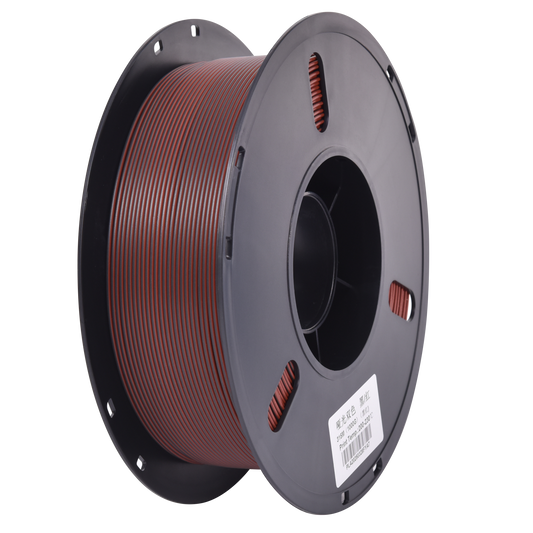 Preorder
PLA Matte Dual - Black / Red
Vendor:Supplier 3Regular price $24.99 AUDRegular priceUnit price perinc GSTSale price $24.99 AUDPreorder -

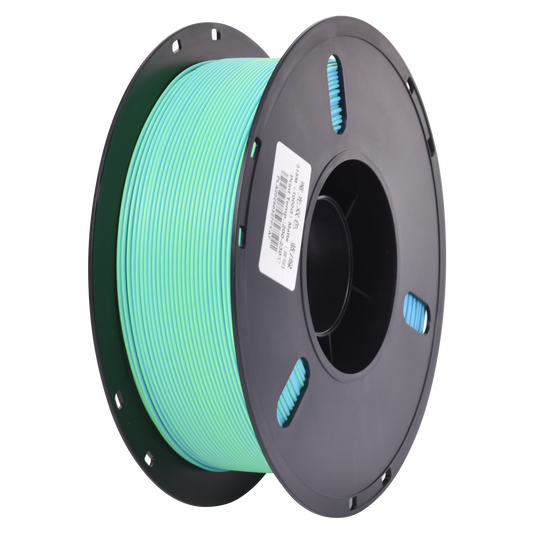 Preorder
PLA Matte Dual - Blue / Green
Vendor:Supplier 3Regular price $24.99 AUDRegular priceUnit price perinc GSTSale price $24.99 AUDPreorder -

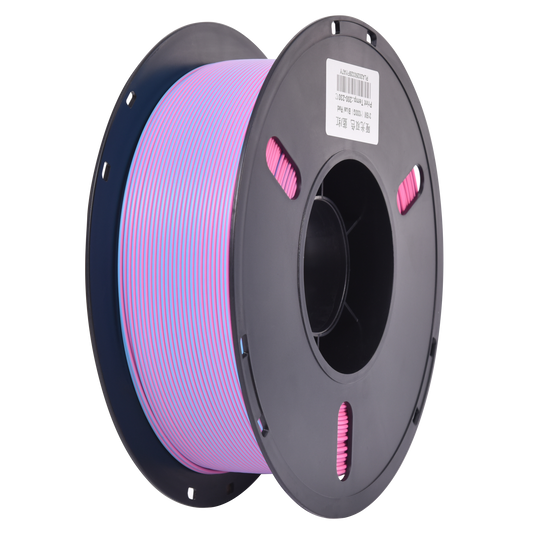 Preorder
PLA Matte Dual - Blue / Red
Vendor:Supplier 3Regular price $24.99 AUDRegular priceUnit price perinc GSTSale price $24.99 AUDPreorder -

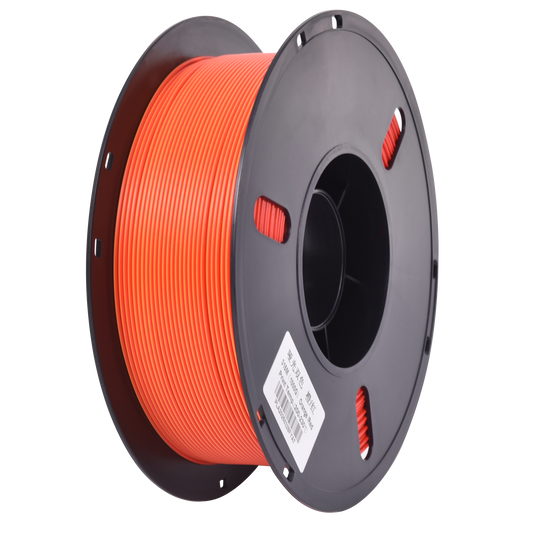 Preorder
PLA Matte Dual - Orange / Red
Vendor:Supplier 3Regular price $24.99 AUDRegular priceUnit price perinc GSTSale price $24.99 AUDPreorder -

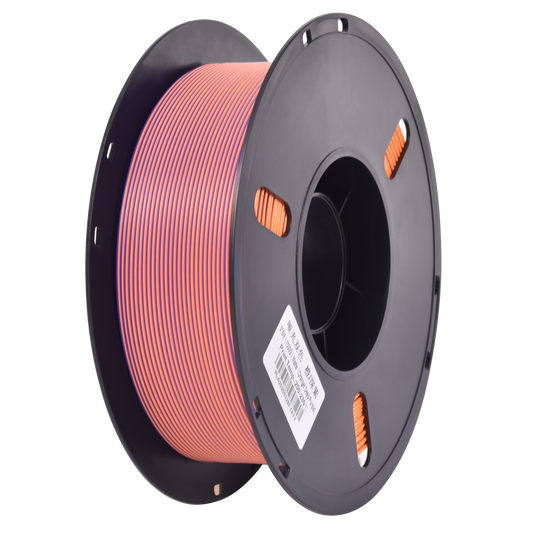 Preorder
PLA Matte Dual - Orange/ Purple
Vendor:Supplier 3Regular price $24.99 AUDRegular priceUnit price perinc GSTSale price $24.99 AUDPreorder -

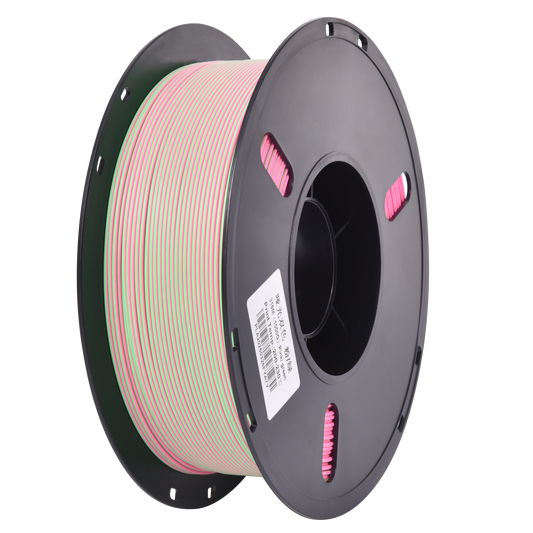 Preorder
PLA Matte Dual - Pink / Green
Vendor:Supplier 3Regular price $24.99 AUDRegular priceUnit price perinc GSTSale price $24.99 AUDPreorder -

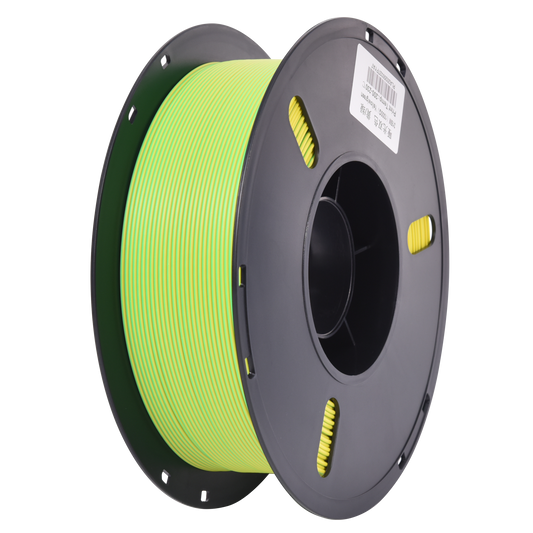 Preorder
PLA Matte Dual - Yellow / Green
Vendor:Supplier 3Regular price $24.99 AUDRegular priceUnit price perinc GSTSale price $24.99 AUDPreorder


This dual colour matte filament gives you the same two-colour effect as dual silk, but with a subtle, low-sheen surface that hides layer lines and sits naturally alongside furniture and home decor instead of drawing attention with shine.
Why Choose PLA Dual Matte Filament?
- Two-tone matte finish for a clean, modern look
- Soft, non-reflective surface that reduces visible layer lines
- Prints at standard matte PLA settings, around 190–220°C nozzle and 50–60°C bed
- Less prone to stringing than silk filament, making it more forgiving to print
- Consistent extrusion and strong layer adhesion
What Our Customers Print With It
PLA Dual Matte is the pick when you want the two-colour effect without a shiny finish. Our customers use it most for display pieces, vases, and home decor prints that need to blend in with the room rather than stand out, along with props and product prototypes where a refined surface matters.
Printer Compatibility
Our 1.75mm PLA Dual Matte filament is compatible with Bambu Lab, Prusa, Creality Ender, and most FDM 3D printers, delivering reliable results with standard PLA profiles. It also runs through AMS and multi-material units without issue.
Performance Benefits
- Dual-colour appearance without requiring filament changes
- Matte finish helps minimise visible layer lines
- Colours split across the model and can blend into a soft third tone depending on orientation
- Reliable printability similar to standard PLA
Explore More Multicolour PLA Options
Looking for a glossy finish? Try PLA Dual Silk filament. For multi-tone transitions, explore PLA Tri Colour filament, or browse PLA Rainbow and Gradient filament.
All PLA Dual Matte filament ships fast from Australia, with same-day processing for reliable delivery.